Requirements
Before installing the Bitbucket MCP Server, make sure you have the following.
Node.js 18+
Section titled “Node.js 18+”The server uses the native fetch API, which requires Node.js 18 or later.
node --version# Should output v18.x.x or higherBitbucket Authentication
Section titled “Bitbucket Authentication”The server authenticates using API token + email. You will need:
- A Bitbucket (Atlassian) account
- An API token scoped to Bitbucket read operations
- Your Atlassian account email address
Creating an API Token
Section titled “Creating an API Token”-
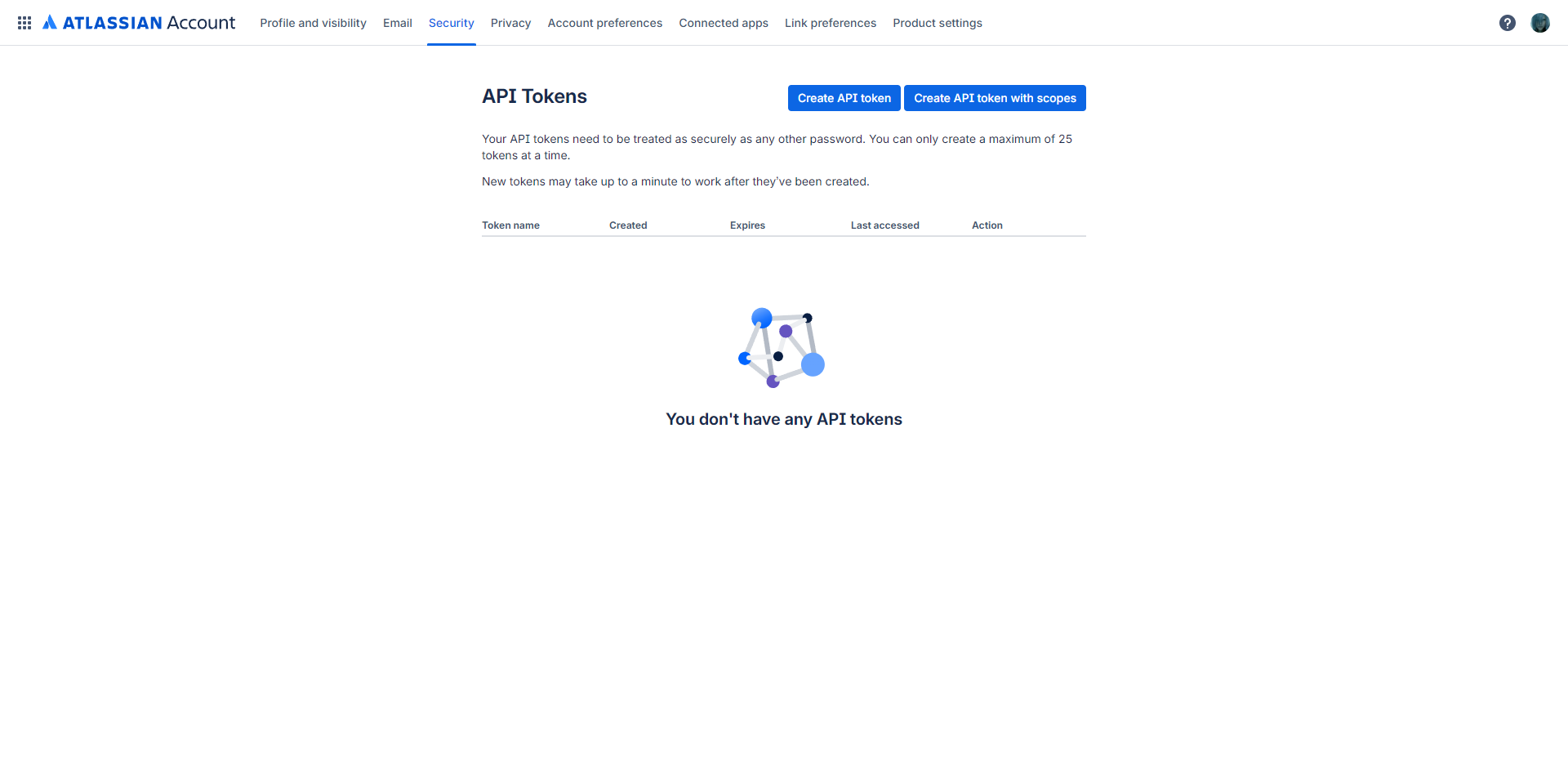
Go to https://id.atlassian.com/manage-profile/security/api-tokens and click “Create API token with scopes”.
-
Enter a name (e.g.,
Bitbucket MCP) and set an expiry date, then click “Next”.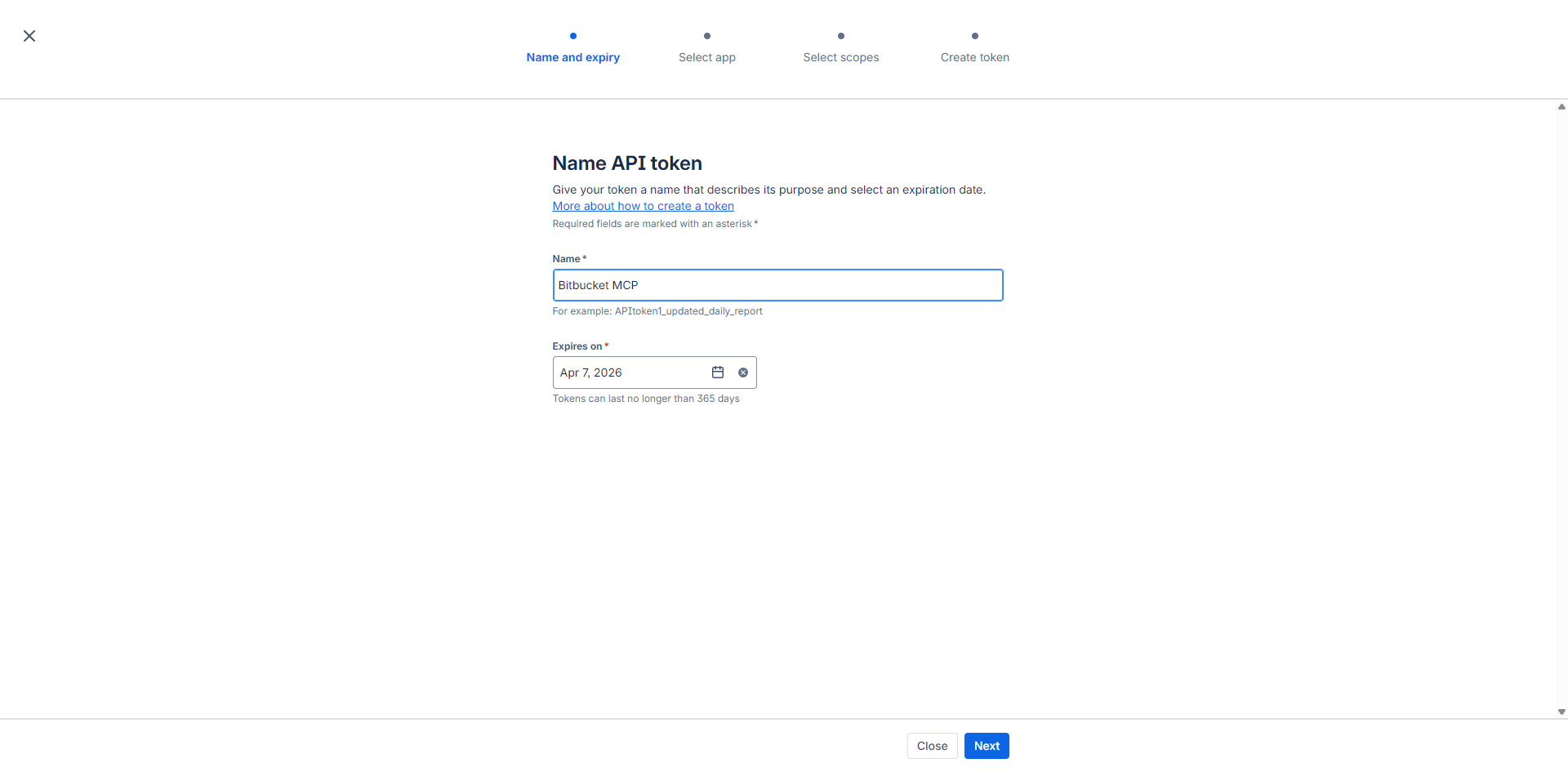
-
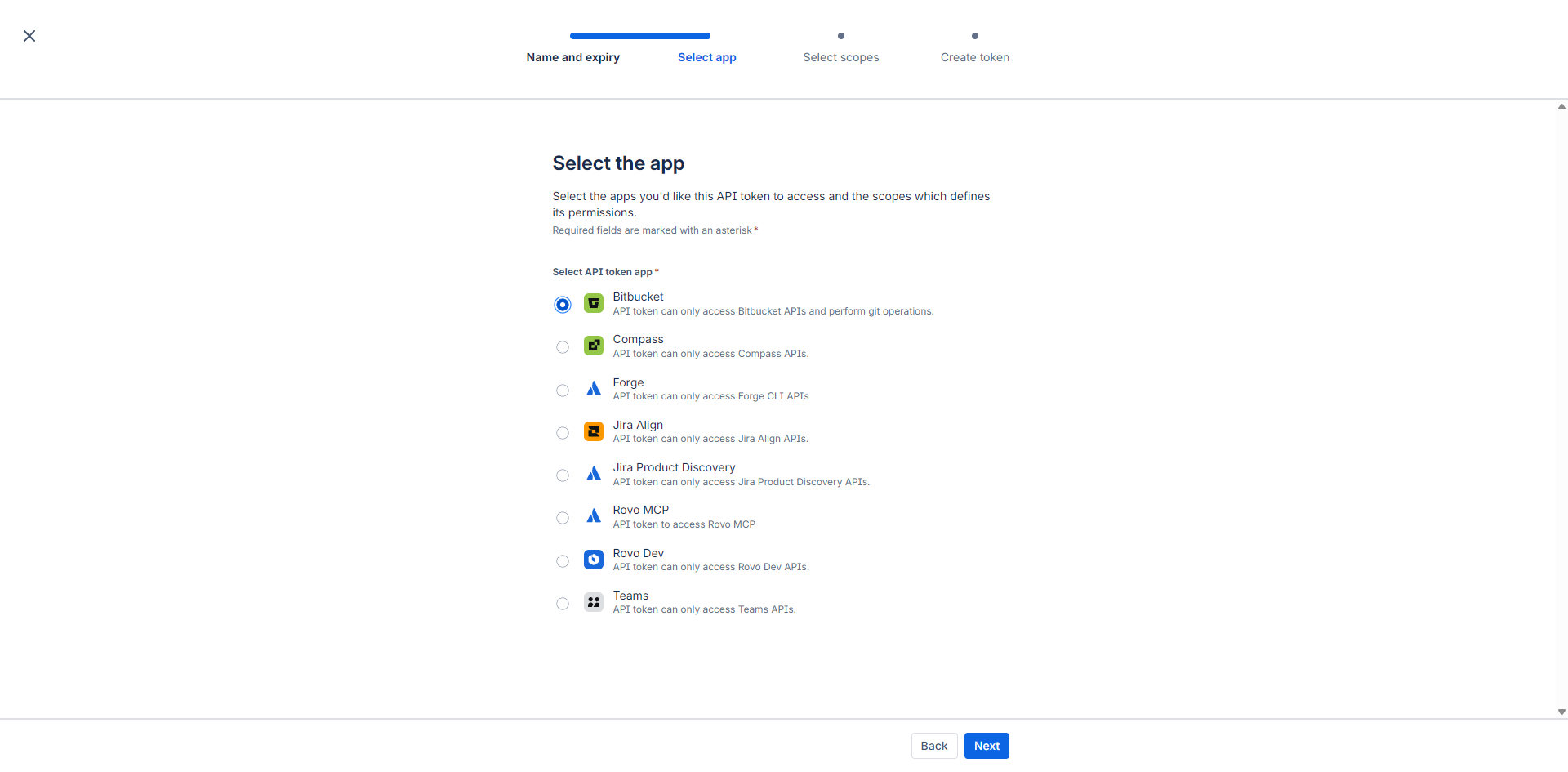
Select “Bitbucket” from the app list and click “Next”.
-
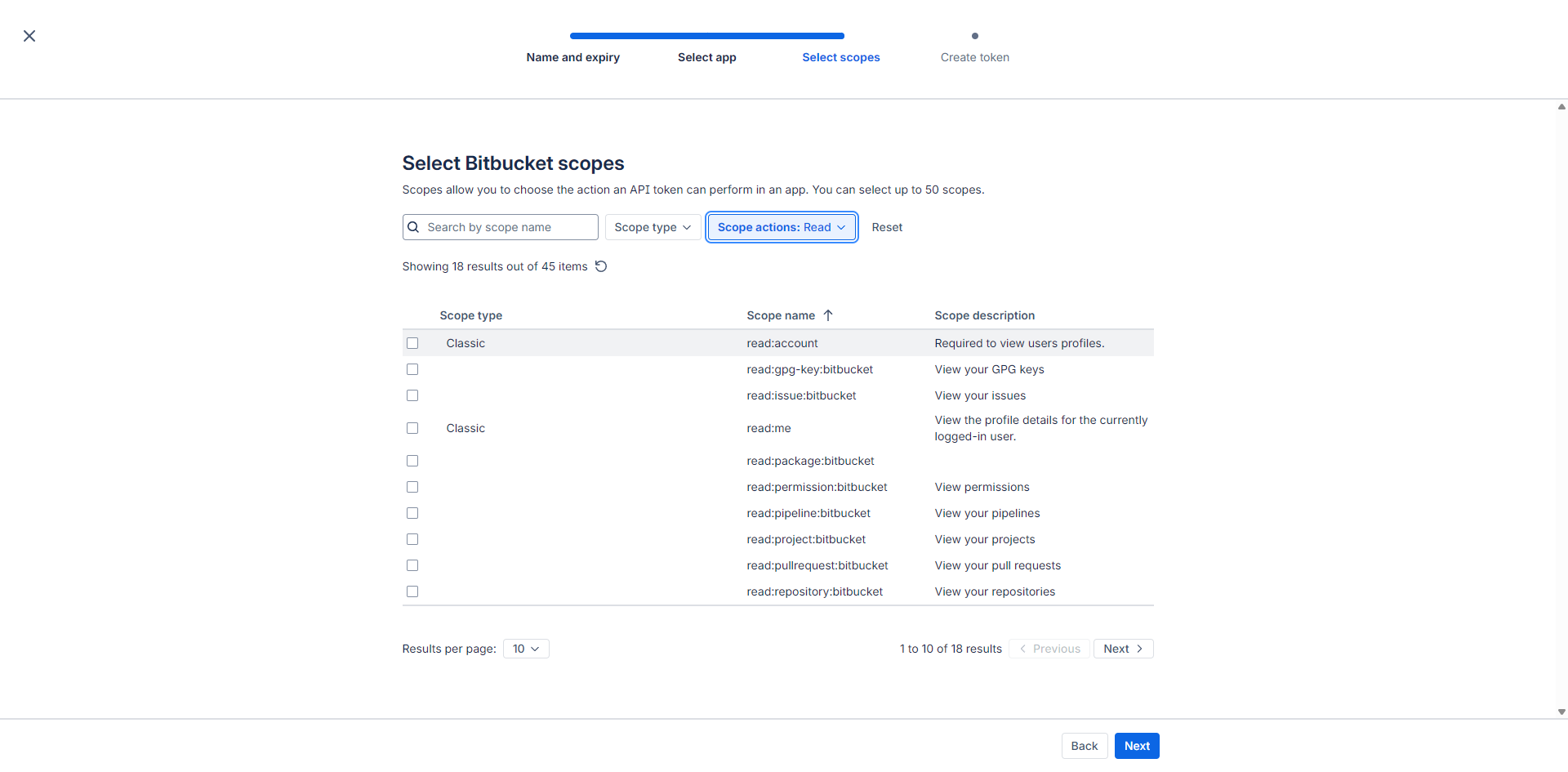
Click “Scope actions” and filter by “Read”, then set Results per page to 20. Check all checkboxes and click “Next”.
-
Review the token summary and click “Create token”.
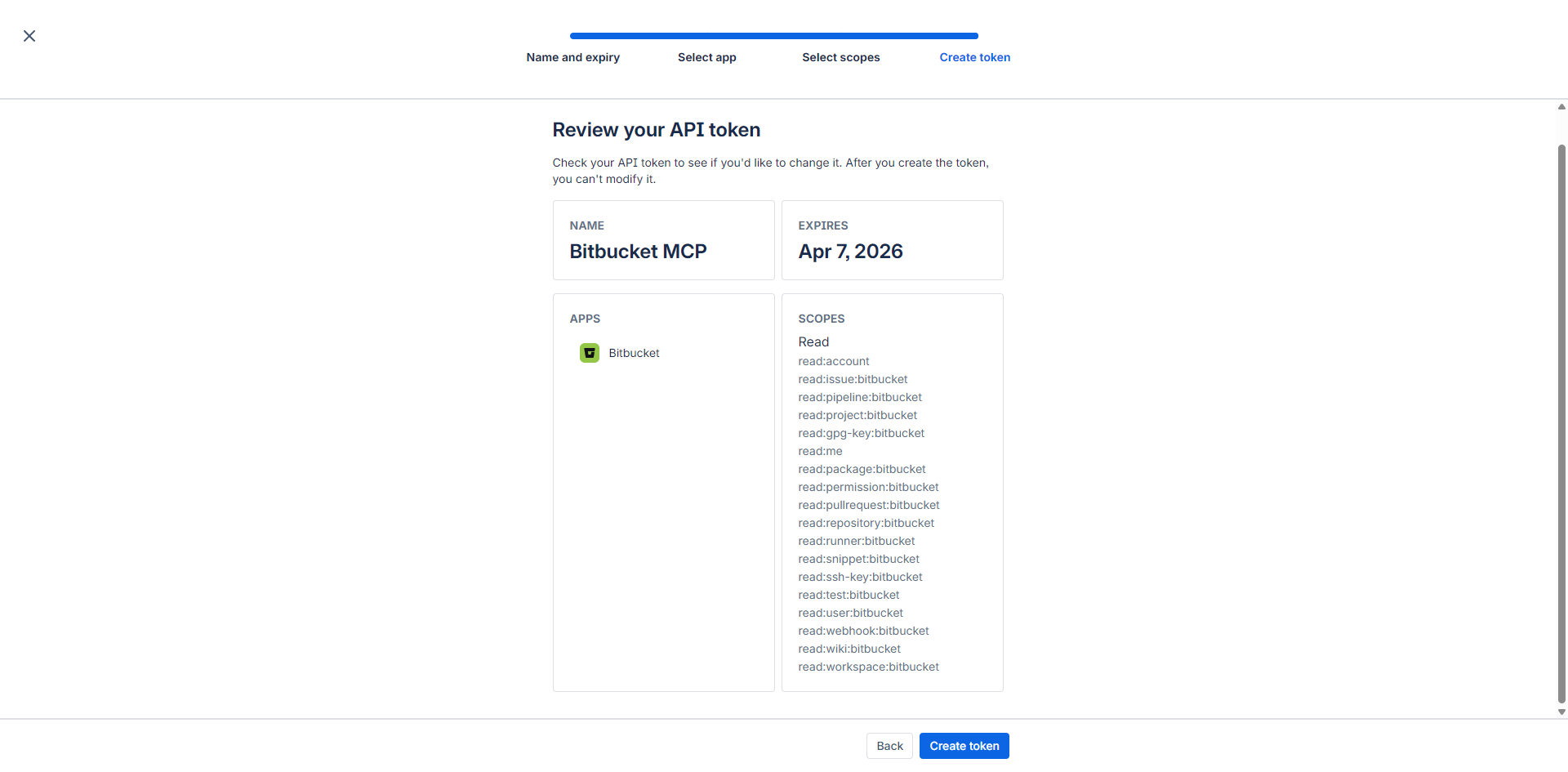
-
Copy the generated token immediately — it’s shown only once. This is your
BITBUCKET_API_TOKEN.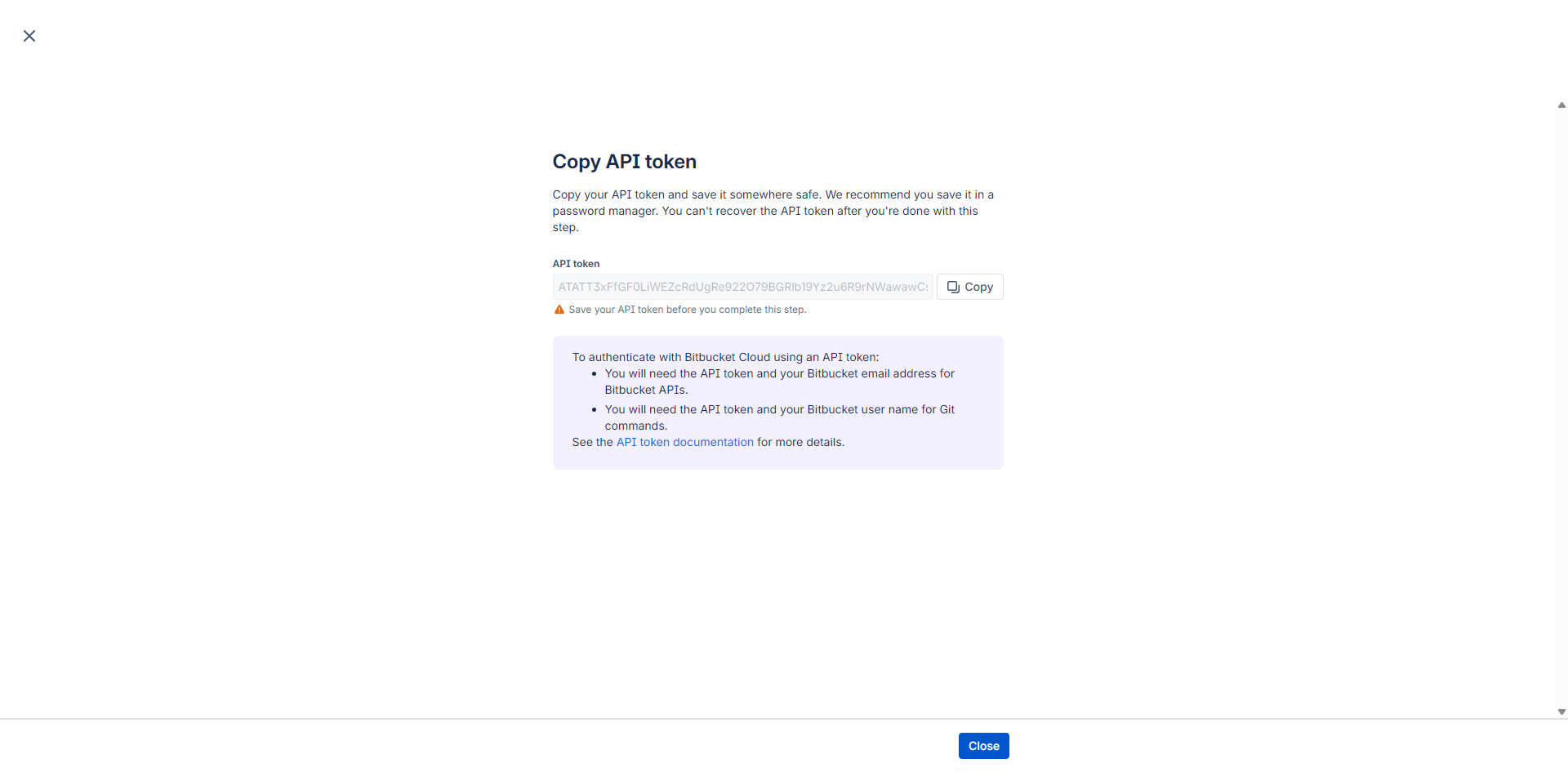
-
Use your Atlassian account email as
BITBUCKET_EMAIL.
Code Search (Highly Recommended)
Section titled “Code Search (Highly Recommended)”The bb_search_code tool requires code search to be enabled in your Bitbucket account settings.
Enable it at https://bitbucket.org/search.
Without this, all other 36 tools work normally — only bb_search_code is affected.